• About
  • Advertise
  • Privacy Policy
  • Contact
Android Kenya
  • Home
  • News
  • Apps
  • Gadgets
  • Reviews
  • Deals
  • How To
  • Knowledge Base
No Result
View All Result
  • Home
  • News
  • Apps
  • Gadgets
  • Reviews
  • Deals
  • How To
  • Knowledge Base
No Result
View All Result
Android Kenya
No Result
View All Result
Home News

Android devices could soon keep Wi-Fi On when In Airplane Mode, Pixel devices already do

Naftaly Kariuki by Naftaly Kariuki
December 10, 2022
in News
0
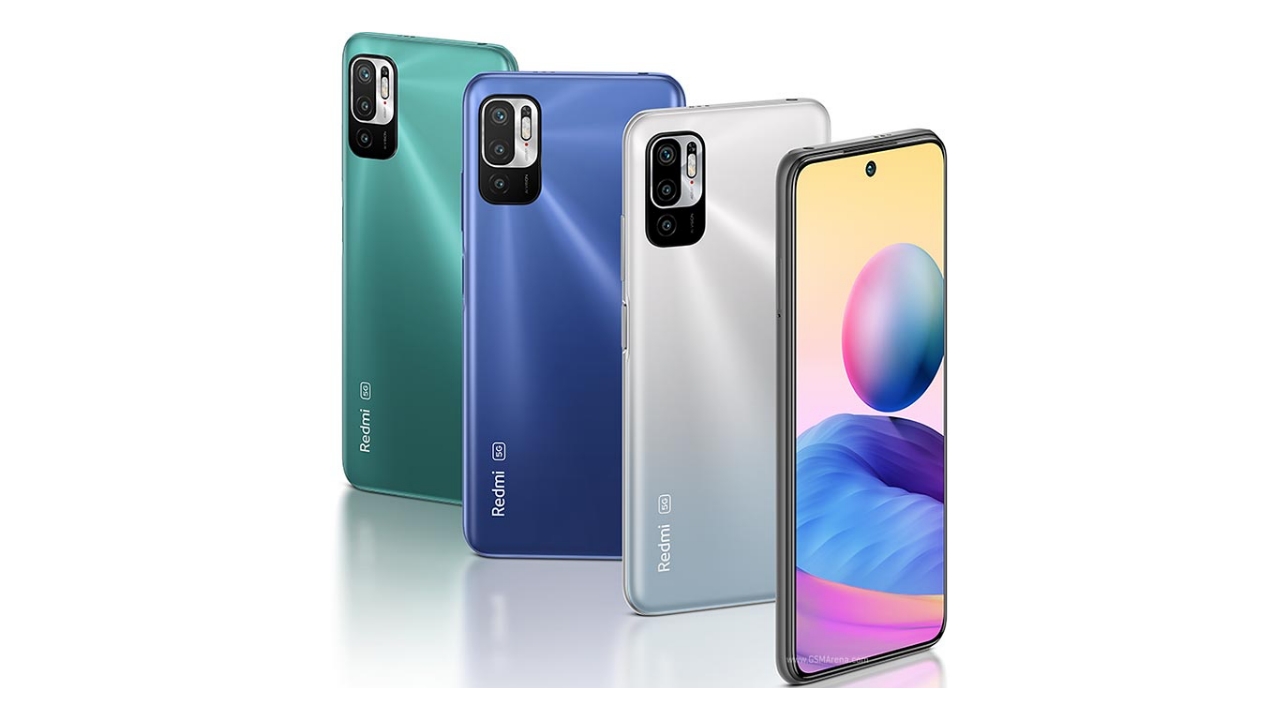
These are the 5G smartphones from Xiaomi officially available in the Kenyan market
FacebookTwitterWhatsApp

Airplane mode has always been convenient when you want to switch off your phone’s cellular connection for one reason or another. However, turning it on normally means disabling both Bluetooth and Wi-Fi. Since Android 11, Google made it that turning airplane mode on will not interfere with your Bluetooth connectivity. This is especially handy for those who rely on wireless earbuds and smartwatches that more often than not are connected to your smartphone via Bluetooth.

When you wanted to use Wi-Fi in airplane mode, you had to manually switch it on after it had been turned off. This annoying and unnecessary step is however being put to an end. Thanks to an update that has already gone live on Pixel devices, Google is remedying this by giving you the option to keep Wi-Fi on when you want to turn on airplane mode on your smartphone.

Pixel owners turning on Wi-Fi while in airplane Mode are now receiving the following Android System notification: “Wi-Fi on in airplane mode / If you keep Wi-Fi on, it will stay on the next time you’re in airplane mode.”

When you tap on the notification, it takes you to an article that explains the default behaviour, and how you can adjust it to your liking. Once you have chosen your preference, the system will remember it the next time you turn on airplane mode.

“When you first turn on your Android phone’s Airplane mode, Wi-Fi and Bluetooth are turned off. You can change this setting to keep your wireless connections on, so you stay connected to devices like your smartwatch or Bluetooth earbuds. You can also turn your wireless connections off again,” reads an excerpt from Pixel’s support page

Once you have settled on your preference, the change will also be reflected on Bluetooth, keeping it on or off depending on what you want. Despite this feature currently only going live on Pixel devices with the December Feature Drop, it is not an exclusive feature to the Pixel line up, and other android smartphones will definitely get it later down the line as long as you are running Android 11 or later versions

Join our Telegram channel
READ:  SwiftKey lets users remove search bar in latest update, claims 20% faster loading than rivals
Previous Post

MIUI 14 and Xiaomi 13 series launch rescheduled to December 11

Next Post

WhatsApp introduces customizable 3D avatars

Related Posts

No Content Available
Next Post

WhatsApp introduces customizable 3D avatars

Leave a Reply Cancel reply

Your email address will not be published. Required fields are marked *

Subscribe to our newsletter

  • Trending
  • Comments
  • Latest
Samsung’s New Galaxy Z TriFold Takes Direct Aim at Huawei’s Mate XT

Samsung’s New Galaxy Z TriFold Takes Direct Aim at Huawei’s Mate XT

December 2, 2025
YouTube Just Dropped Its Own ‘Wrapped’ For Videos

YouTube Just Dropped Its Own ‘Wrapped’ For Videos

December 2, 2025
Samsung at Risk of Losing Global Smartphone Crown to Major Rival – Report

Samsung at Risk of Losing Global Smartphone Crown to Major Rival – Report

November 27, 2025
Android 16: A Complete Breakdown of the Newest QPR2 Update

Android 16: A Complete Breakdown of the Newest QPR2 Update

December 3, 2025
Android 16: A Complete Breakdown of the Newest QPR2 Update

Android 16: A Complete Breakdown of the Newest QPR2 Update

0
YouTube Just Dropped Its Own ‘Wrapped’ For Videos

YouTube Just Dropped Its Own ‘Wrapped’ For Videos

0
Samsung’s New Galaxy Z TriFold Takes Direct Aim at Huawei’s Mate XT

Samsung’s New Galaxy Z TriFold Takes Direct Aim at Huawei’s Mate XT

0
Samsung at Risk of Losing Global Smartphone Crown to Major Rival – Report

Samsung at Risk of Losing Global Smartphone Crown to Major Rival – Report

0
Android 16: A Complete Breakdown of the Newest QPR2 Update

Android 16: A Complete Breakdown of the Newest QPR2 Update

December 3, 2025
YouTube Just Dropped Its Own ‘Wrapped’ For Videos

YouTube Just Dropped Its Own ‘Wrapped’ For Videos

December 2, 2025
Samsung’s New Galaxy Z TriFold Takes Direct Aim at Huawei’s Mate XT

Samsung’s New Galaxy Z TriFold Takes Direct Aim at Huawei’s Mate XT

December 2, 2025
Samsung at Risk of Losing Global Smartphone Crown to Major Rival – Report

Samsung at Risk of Losing Global Smartphone Crown to Major Rival – Report

November 27, 2025
  • About
  • Advertise
  • Privacy Policy
  • Contact

© 2025 Android Kenya

No Result
View All Result

© 2025 Android Kenya