• About
  • Advertise
  • Privacy Policy
  • Contact
Android Kenya
  • Home
  • News
  • Apps
  • Gadgets
  • Reviews
  • Deals
  • How To
  • Knowledge Base
No Result
View All Result
  • Home
  • News
  • Apps
  • Gadgets
  • Reviews
  • Deals
  • How To
  • Knowledge Base
No Result
View All Result
Android Kenya
No Result
View All Result
Home Apps

Gmail for Android updated in the wake of massive phishing scam targeting Google Doc users

Emmanuel Chenze by Emmanuel Chenze
May 4, 2017
in Apps, News
0
Gmail for Android updated in the wake of massive phishing scam targeting Google Doc users
FacebookTwitterWhatsApp

Several users of Google Docs, the popular online word processor that lets users create documents and collaborate on them with friends, family and colleagues, have been reporting receiving queer invitations to collaborate on documents from familiar accounts.

It turns out that the emails these users were receiving weren’t really from the “familiar” accounts they posed to be from. They were from malicious schemers out to access, illegally, user details like emails, contacts and what have you when the link with the “invitation to collaborate” is clicked. There is a detailed breakdown of how this went down for one user on Reddit. This, in the tech world, is what is known as phishing – when one is tricked into sharing personal information or login credentials through what appears to be or poses as a something real or legitimate.

The Wikipedia definition of phishing, which is what you get instantly when you do a Google search, is more straightforward: Phishing is the attempt to obtain sensitive information such as usernames, passwords, and credit card details (and, indirectly, money), often for malicious reasons, by disguising as a trustworthy entity in an electronic communication. According to Google, “phishing attack happens when someone tries to trick you into sharing personal information online.”

Why phishing? Because like in fishing where a fish falls for a fisherman’s bait and ends up on a dinner plate not long after, people get baited by internet scammers.

Enough with the education.

So, yes, that happened and Google moved in swiftly to make amends. Things are ok now. However, it’s better to be proactive rather than reactive. Which is why Google did not stop at stopping the spread of the phishing attack and advising users who may have fallen for the dirty trick on what to do. It went ahead and updated the Gmail app on Android.

READ:  The biggest mobile cybersecurity threats still accurate in 2019

When users click what appears to be a suspicious link in their email on the Gmail app on Android, they will be warned and prevented from accessing the suspicious link straightaway. They will, however, be presented with two options: to proceed to the site flagged as unsafe or to report to Google that the site is not malicious. This is part of Google’s Safe Browsing program.

The feature is rolling out gradually but should have reached all users in 3 days’ time.

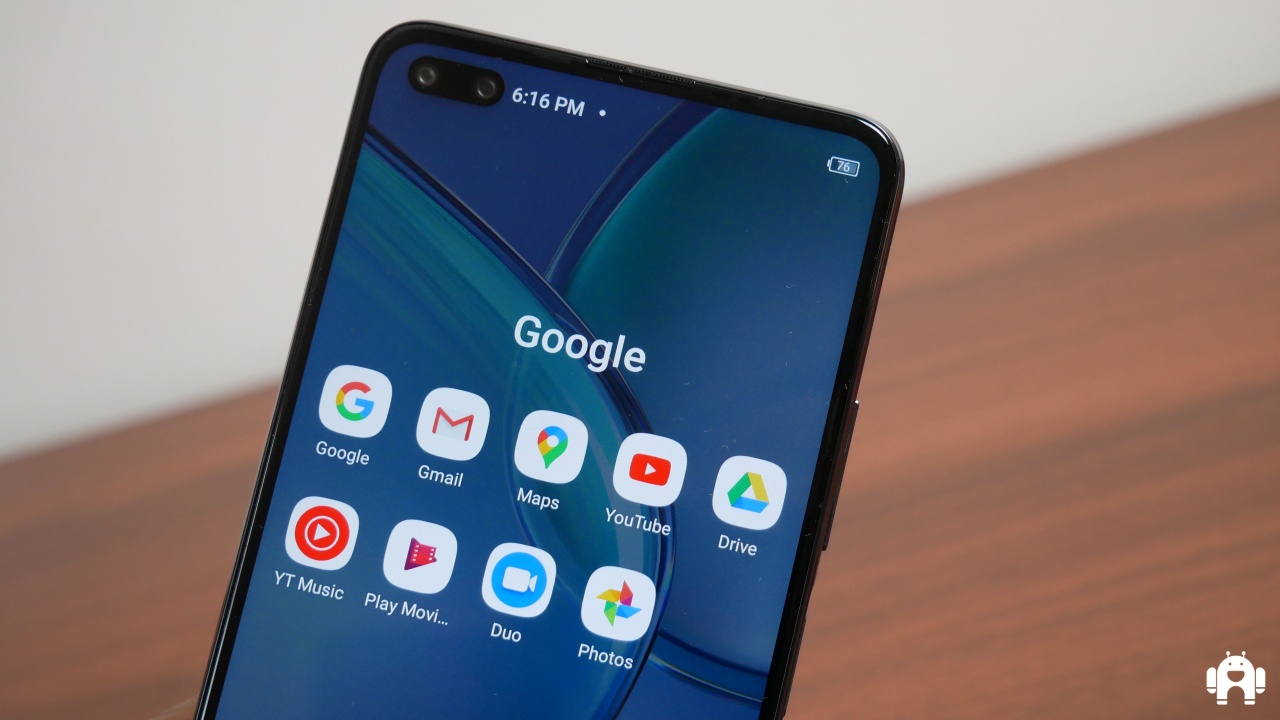
According to data released by Google at the start of last year, there are over 1 billion monthly active users of Gmail. Gmail comes pre-installed on nearly all Android devices sold on the planet and that app is the primary means of accessing email for many users.
Join our Telegram channel
Previous Post

KCB app updated with MyKash feature to enable easier payment of goods and services

Next Post

Samsung devices get their own “special” Cortana app from Microsoft

Related Posts

Google mandates new accessibility, safety and emergency features for Android 12 GMS certification
News

You will lose your Google account (read: Gmail, Photos) if you don’t use it within 2 years

May 18, 2023
Safaricom makes free YouTube data bundle a permanent offering, cuts it down to 2GB
News

Google looks to limit sensitive ads served on Gmail, YouTube

May 4, 2022
The Android apps we lost in 2019
Apps

The Android apps we lost in 2019

December 24, 2019
Next Post
Cortana receives update that fixes accidental opt-out bug

Samsung devices get their own "special" Cortana app from Microsoft

Subscribe to our newsletter

  • Trending
  • Comments
  • Latest
XAI-Grok

Trend of Grok users digitally undressing women on X sparks backlash

May 5, 2025
Tecno Spark 3 Pro-10

How to fix OTG connected pop-up error on Tecno phones

July 28, 2019

Oppo A60 review: Rugged darling

June 10, 2024
Oppo Reno8 T review: High praise

Oppo Reno8 T review: High praise

February 28, 2023
Google Play’s Best Apps of 2025: Full List of Winners

Google Play’s Best Apps of 2025: Full List of Winners

0
Google Pixel 10a Leak Indicates No Real Upgrades Coming

Google Pixel 10a Leak Indicates No Real Upgrades Coming

0
Samsung Remains the Only Android OEM in Q3 2025’s Top-Selling Phones

Samsung Remains the Only Android OEM in Q3 2025’s Top-Selling Phones

0
Android 16: A Complete Breakdown of the Newest QPR2 Update

Android 16: A Complete Breakdown of the Newest QPR2 Update

0
Google Play’s Best Apps of 2025: Full List of Winners

Google Play’s Best Apps of 2025: Full List of Winners

December 15, 2025
Google Pixel 10a Leak Indicates No Real Upgrades Coming

Google Pixel 10a Leak Indicates No Real Upgrades Coming

December 10, 2025
Samsung Remains the Only Android OEM in Q3 2025’s Top-Selling Phones

Samsung Remains the Only Android OEM in Q3 2025’s Top-Selling Phones

December 10, 2025
Android 16: A Complete Breakdown of the Newest QPR2 Update

Android 16: A Complete Breakdown of the Newest QPR2 Update

December 3, 2025
  • About
  • Advertise
  • Privacy Policy
  • Contact

© 2025 Android Kenya

No Result
View All Result

© 2025 Android Kenya


Loading Comments...