When it comes to social networking, Facebook is the elephant in the room. Not only is the mother company, Facebook, the owner of three other popular social apps (Instagram, WhatsApp and Messenger), Facebook itself is a force to reckon with.
In Kenya, Facebook is the social network of choice of over two and a half million people who use it daily out of the over 5 million people that Facebook says use the it on a monthly basis.
As such, Facebook is quite often the source of many people’s data consumption. If you happen to be one of them, here are several steps you can take to make sure you still continue being in the know of the President’s whereabouts, your ex’s wedding etc without having to worry about receiving the dreaded “Your data bundle balance is below 2MB…” text from Safaricom:
1. Use Facebook mobile web
I have already explained this in detail here but there’s something else I did not explore in detail there: use Opera mini.
Opera mini is a godsend. With Opera mini, you can download all the videos being shared on your home feed when on Wi-Fi for viewing later on when you’re off a wireless hotspot and very keen with your data usage (we all know that video consumes more bandwidth, right?).
2. Use alternative apps from third parties
That the main Facebook app is a resource hog has never been a secret. It drains a device’s battery, gobbles up bundles and so on. It’s because there is so much going on in that app. Including prefetching content in anticipation of a user consuming it – Instant Articles.
A simple solution is to switch to the several third party Facebook apps available on the Google Play Store.
Thanks to Facebook’s own restrictions, these may not really be apps as such but what we call wrappers but they get the job done. Wrappers are basically apps based on the mobile web version of the Facebook app albeit with a few visual improvements to fool the eye. However, anything that isn’t supported on the mobile web version of Facebook won’t be supported in a wrapper. When it comes to these, Metal is my favourite even though you can also shop for others (Folio, Friendly, Swift, Tinfoil etc).
3. Use Facebook Lite and Messenger Lite
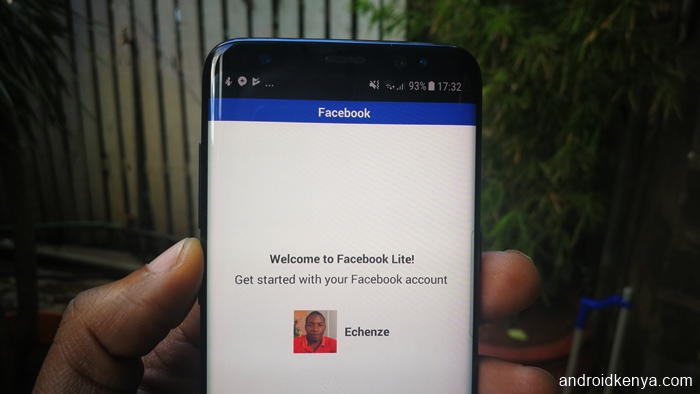
Both Facebook Lite and Messenger Lite have been huge hits across the world. This is because as already stated, the main Facebook app is way too fat. These lite apps cut the fat, stripping that app of all its excesses in favour of a lightweight experience. That may mean compromising on a few things like the ability to read Instant Articles and what have you but it’s a worthy trade-off. From where I sit, there’s almost nothing I want to do on a daily basis on Facebook or Messenger that I can’t do on the lite apps. Of course, I am not interested in using Messenger Day or the Stories feature, which are not included in Facebook Lite and Messenger Lite.
4. Play around with the settings
Should you just have to use it (the main Facebook app) then at least be wise. Be smart. Take control by disabling anything and everything that sets you up for some high data consumption.

- Disable video autoplay. From the Facebook app menu go to, App settings > Auto-play > Never Auto-play videos. Otherwise, videos will auto-play on your news feed and your data may not last as long as you expected it to.
- Disable the continuous uploading of contacts. Have you ever been shocked to find Facebook suggesting that you add a person you just got off the phone with as a friend? It;s because you have allowed the app to silently run in the background monitoring any changes to your contact list and sending that information to Facebook’s servers. Not only is that a serious breach of privacy and outrightly creepy, it also results in significant amounts of data being consumed without your knowledge.
- Set videos to play in standard definition, by default. Disable the HD option. When you get around to watching any video, you’ll notice that there’s always a greyed out HD option on the lower right of any video. Only click it when you are on Wi-Fi or at least when you’re sure you’ve got data to burn.
- The same case with uploading content. Only check the option to upload high quality/HD content (photos, video) if you know what you are doing (i.e. data is not a problem).
5. Use Opera Max
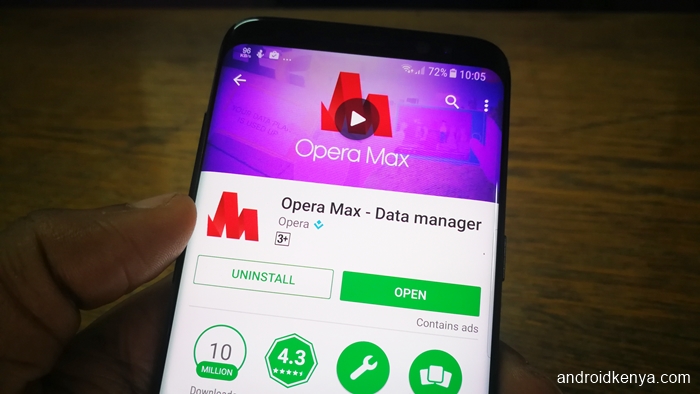
Opera Max has an interesting built-in data-saving Facebook called, wait for it, Savings for Facebook. See review here.
Header image: Which UK